Summertime Saga Android 15 Compatibility Guide
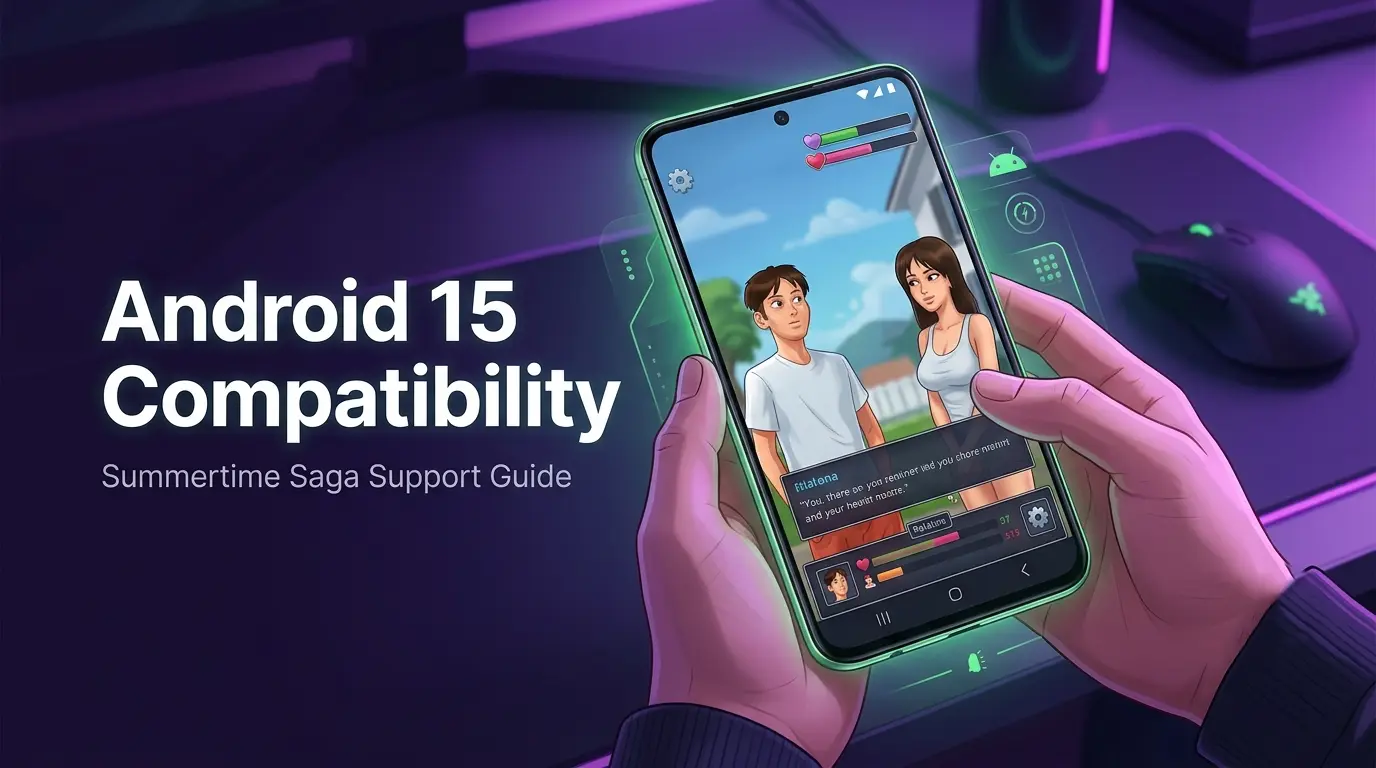
Android 15 has rolled out broadly across Samsung, Pixel, and OnePlus devices, and unsurprisingly, a wave of compatibility questions followed. The short answer: the game runs on Android 15 for most players, but specific device configurations and system settings cause friction that's worth knowing about before you hit the first loading screen.
This page covers what to expect — permission changes, known device conflicts, and how to get things stable if the app isn't launching or behaving correctly after an OS update. Compatibility can vary depending on device manufacturer restrictions and Android skin modifications, so results won't be identical across every setup.
If you're looking for the latest build, installation resources, or broader update coverage, the main Summertime Saga hub tracks current compatibility information and support guides across Android, PC, and emulator setups.
01 What Works on Android 15 Right Now
- Runs on Android 15: Yes, on most devices
- Minimum Android version for current build: Android 6.0 (Marshmallow)
- Known problem zones: MIUI 16 / HyperOS 2 (Xiaomi), Samsung One UI 7 Restricted Mode, Android 15 on budget MediaTek devices
- Graphics engine: Renpy-based — relies on OpenGL ES 2.0 or higher
- Save files: Not affected by the Android 15 update itself — only at risk if app data is wiped
02 What Changed in Android 15 That Affects the Game
Android 15 introduced tighter app permission scoping, predictive back gesture enforcement, and stricter storage access rules. For most games this is invisible. For APK-sideloaded apps, a few of those changes create friction.
Storage Permission Behaviour
Android 14 started scoping storage permissions more aggressively, and Android 15 tightened this further. On some Pixel devices running Android 15, the app can throw a permission denied crash on first launch. This isn't a game bug — it's the OS refusing to grant legacy WRITE_EXTERNAL_STORAGE access to sideloaded apps without manual override.
Fix: Go to Settings → Apps → Summertime Saga → Permissions → Storage and switch from "Photos and videos only" to "All files" if your device offers that option. On stock Android 15, enabling "Unrestricted" under battery settings can also prevent the OS from killing the Renpy process mid-session.
Restricted Settings on Samsung One UI 7
Samsung's One UI 7 enforces a stricter "Restricted Settings" flag on APKs not installed from the Play Store. This can silently block the app from running even after a successful install — the icon appears, the splash loads, then nothing.
Fix: Go to Settings → Apps → Summertime Saga → three-dot menu (top right) → Allow restricted settings. Force-stop the app and relaunch. This resolves the silent-crash-on-launch problem on most Samsung devices.
Predictive Back Gesture
Android 15 makes predictive back gesture mandatory. Renpy-based games can occasionally misinterpret a swipe-back gesture as a quit command. If the game exits unexpectedly when swiping from the right edge, switch to three-button navigation under Settings → Display → Navigation bar.
03 Device-by-Device Rundown
- Security app → Manage permissions → Install unknown apps — whitelist the browser or file manager used to install
- Settings → Apps → Summertime Saga → Battery Saver — set to "No restrictions"
- Privacy Protection → Special permissions — grant "All files access" manually
- If saves still won't persist, temporarily disabling MIUI Optimization has resolved this for some users
Workaround: Developer Options → Hardware-accelerated rendering → Force GPU rendering. Access Developer Options via Settings → About Phone, tap build number seven times. Resolves the black screen on most affected devices.
04 Save Files and the Android 15 Update
An Android 15 upgrade on its own won't touch save data. The OS update doesn't modify app data directories. Problems arise when an update is accompanied by a factory reset, a fresh APK reinstall, or a permission change that cuts the app off from its own save folder.
If saves are missing after updating, check /Android/data/com.dsp.summertimesaga/files/ using a file manager with All Files access. Save data is often still present even when the app can't see it — a permission fix is usually all that's needed before progress reappears.
05 Performance on Android 15
The Renpy engine is not hardware-intensive. Android 15's memory management improvements generally help rather than hurt — scene transitions can feel slightly snappier on mid-range and flagship devices compared to Android 13.
Most players notice performance issues during save loading, scene transitions, or route progression after updating, particularly on lower-RAM devices running aggressive battery optimization.
On devices with 4GB RAM or less, Android 15's more aggressive background process management means the app may reload from the main menu rather than resume instantly after switching away. That's expected behaviour on lower-RAM hardware, not a crash.
Not sure whether updating is safe? Check if your current progress can be carried over with our save compatibility tool.
06 Emulator Compatibility
If you're running an Android emulator on a desktop that's been updated to a recent OS version, the compatibility question is about the emulated Android version, not the host OS. LDPlayer 9 and BlueStacks 5 run Android 9 internally — fully compatible. BlueStacks 10 uses an Android 11 base and also works cleanly.
07 Common Android 15 Errors and Fixes
08 Before You Reinstall
Resist the instinct to uninstall and reinstall until saves are backed up. Uninstalling on Android 13 and above deletes the app's data directory — progress goes with it unless files have been copied out first.
Safer order of operations:
- Try permission and settings fixes for your specific device skin first
- If still broken, back up
/Android/data/com.dsp.summertimesaga/to internal storage or a PC - Reinstall the APK
- Launch once so the app creates a fresh data directory
- Copy save files back in before starting any route
09 Summary: Android 15 Compatibility at a Glance
| Device / Platform | Android 15 Status | Notes |
|---|---|---|
| Pixel 7 / 8 / 9 series | ✅ Works | Grant All Files access on first launch |
| Samsung Galaxy (One UI 7) | ⚠️ Fix required | Enable restricted settings manually |
| Xiaomi / Redmi (MIUI 16 / HyperOS 2) | ⚠️ Fix required | Multiple permission steps required |
| OnePlus (OxygenOS 15) | ✅ Works | No additional steps needed |
| Motorola (near-stock Android 15) | ✅ Works | Slower loads on 3GB RAM models |
| Budget MediaTek (Helio G series) | ⚠️ Fix required | Enable Force GPU rendering in Developer Options |
| Emulators (LDPlayer 9, BlueStacks 5/10) | ✅ Works | Verify VT-x enabled and RAM above 2GB |
Most Android 15 issues are permission or device-policy related rather than game-breaking compatibility failures. Once storage permissions and restricted settings are configured correctly for your device, the app generally runs without major problems. If you're hitting something not covered here, the full error troubleshooting index has a broader list of fixes.
Still having trouble?
The full error troubleshooting index covers a broader range of issues beyond Android 15 compatibility.